UI/UX Design
Screens people understand the first time they use them.
We plan it, build it your way and run it, so it turns into what you actually want: more calls, more bookings and more jobs.

The short answer
Why do customers get stuck on my website or app?
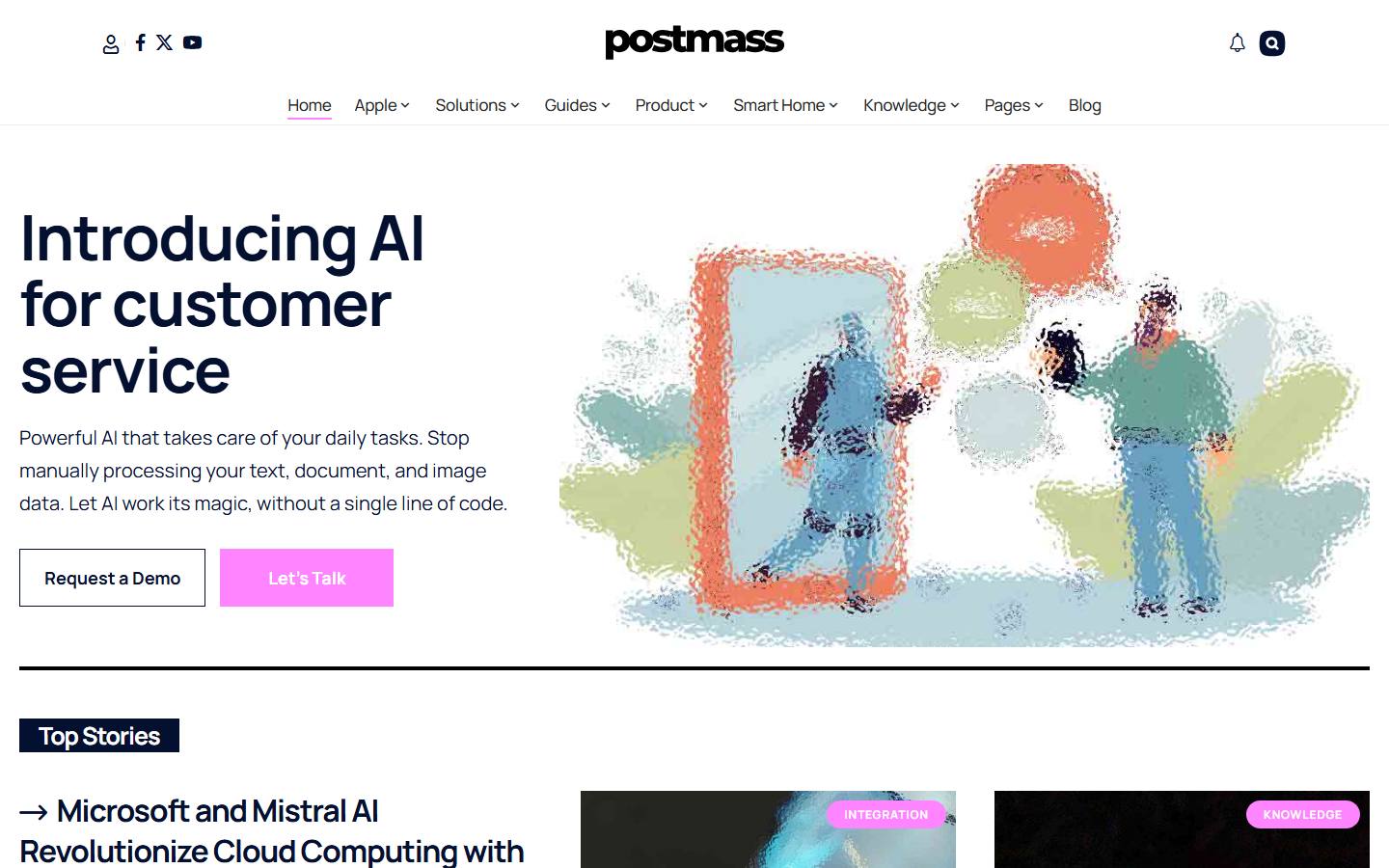
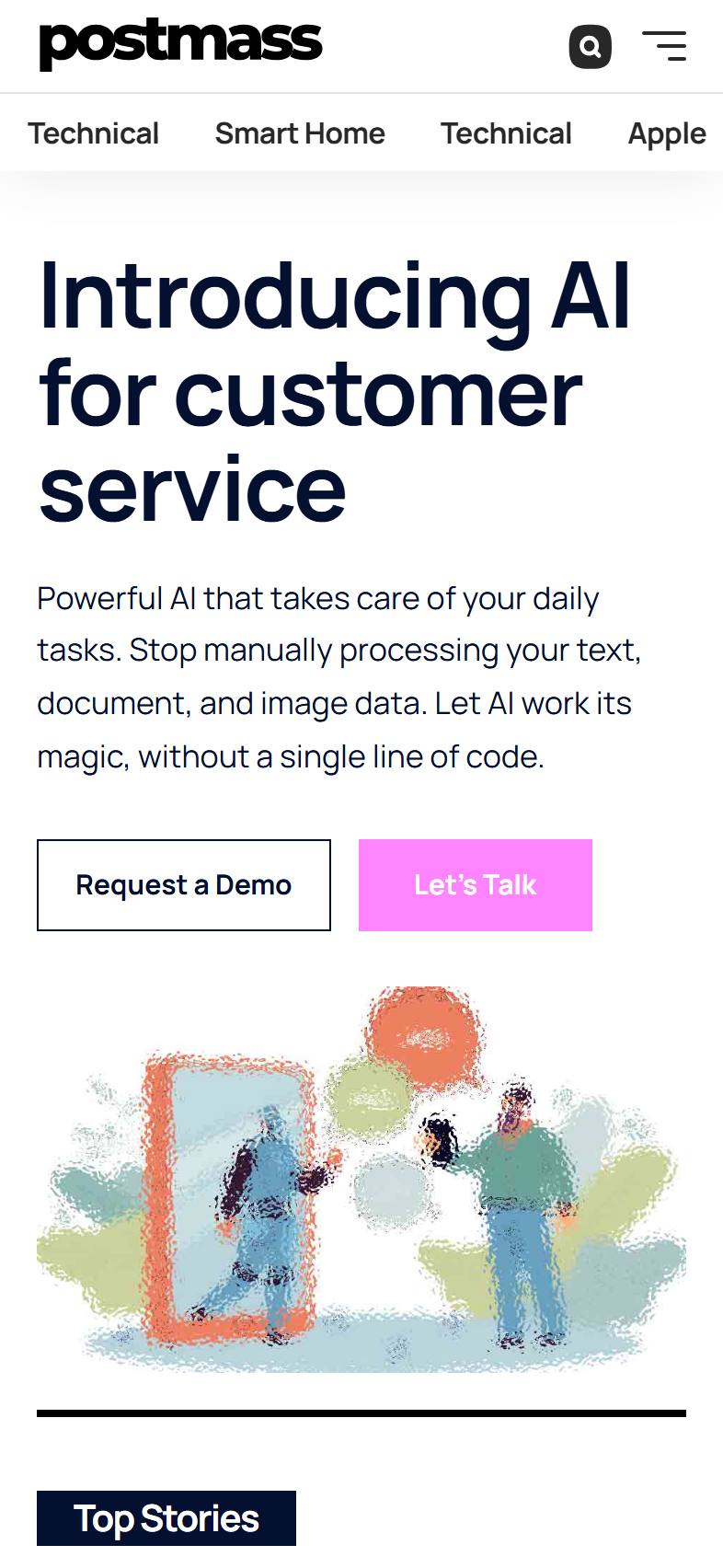
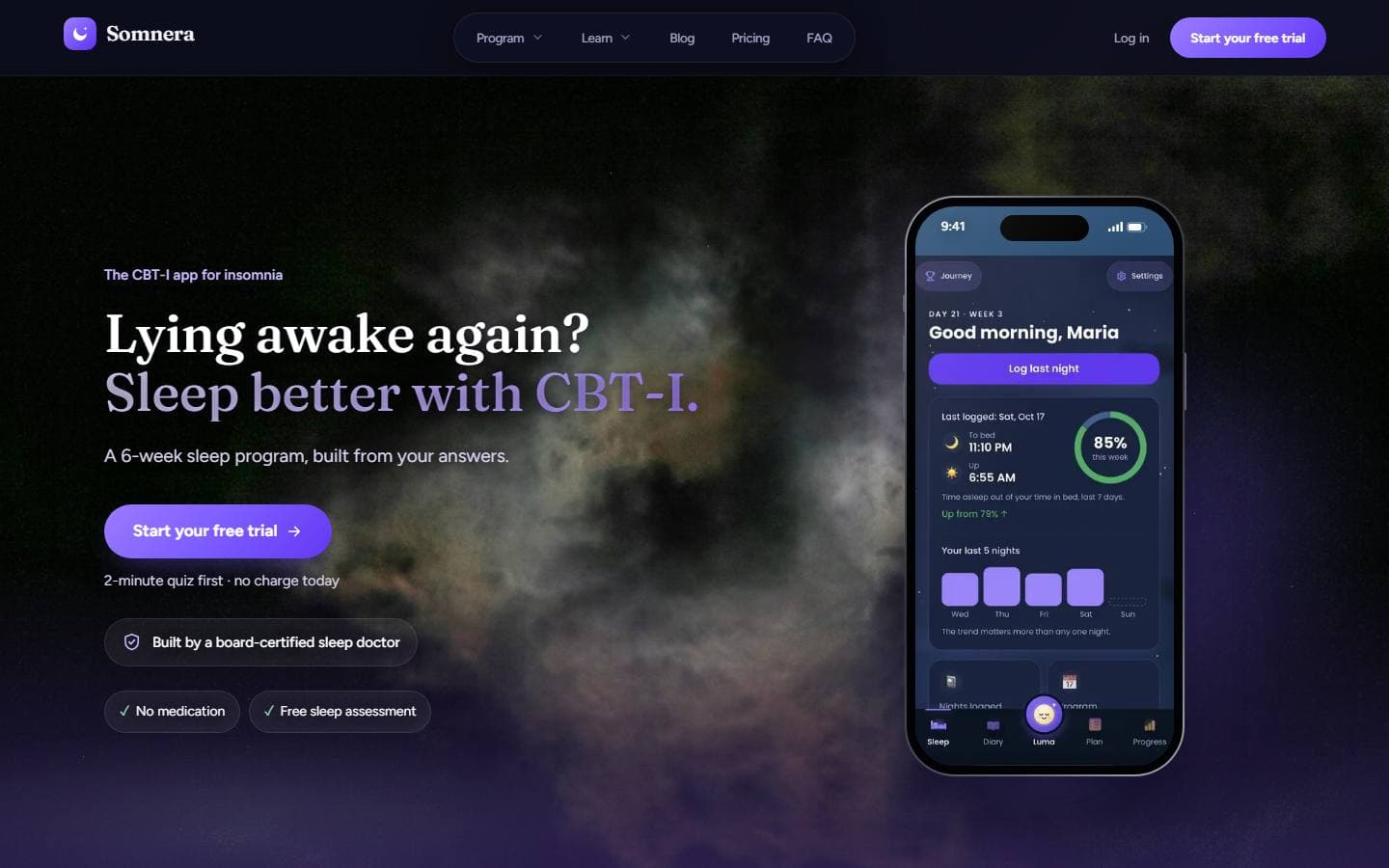
People get stuck when a screen makes them think too hard: unclear labels, hidden buttons, too many choices at once. We look at how your customers or staff actually use what you have, then design screens that make the next step obvious.
What you get
What's included in UI/UX Design.
Planned, built and run by one in-house team, in your accounts and under your name.
Find where people get stuck
We review how real users move through your site, app or tool, and pinpoint the moments where they hesitate, make mistakes or give up.
Prototypes before code
Clickable prototypes you can try and share with your team, so problems get caught while they're cheap to fix, not after the build.
Customer and internal tools
The same care goes into a booking flow your customers use and a dashboard your staff live in every day. Both cost you money when they're confusing.
Ready for the build
Clear, organized designs and components that developers can build from directly, whether that's our team or yours.
How we work
Strategy and experience, built around your business.
Strategy first
We learn your business, your customers and your competition before we touch anything.
Built your way
Designed around how you work, in your accounts and under your name.
Launched right
Tracking in place from day one, so every call, form and booking is counted.
Better every month
A plain report of what's working, and what we're improving next.
Why ProWay
Make the next step obvious on every screen.
We design around how real people use your site or app, so they find what they need, trust what they see and act without second-guessing.
Design by opinion
- Screens designed around what looks good in a mockup
- Navigation labels written in internal company jargon
- Mobile treated as a squeezed version of desktop
- Problems discovered only after development is finished
Design by evidence
- Screens shaped by how real users move through them
- Labels in the words your customers already use
- Thumb-friendly layouts designed for phones from the outset
- Prototypes tested with people before anything gets built
Questions
What owners ask us first.
What's the difference between UI and UX?
UX is how something works: the steps, the flow, whether people can get what they came for. UI is how it looks and feels on screen. You need both, and we design them together.
Do you also build what you design?
We can. Most of our design work flows straight into our own development. If you have an in-house team, we'll hand off designs they can build from without guessing.
Do we need user research for a small project?
Not always a formal study. Even a few conversations with customers or staff and a look at how they use what you have now will catch problems a designer working alone would miss.
Pairs well with
Related services
Free website report
See what this looks like for your business.
Drop your website and we'll email you a free report on what to fix first.
Rather talk it through? Book a strategy call →